Can I Use Macbook For Gaming Is It Really Worth It
Can I use MacBook for gaming? The short answer is yes, but with some important caveats. MacBook gaming has improved dramatically thanks to Apple Silicon chips and better game compatibility on macOS. However, it still lags behind Windows laptops in many areas. This guide covers everything you need to know before deciding if a MacBook for gaming is right for you.
So you want to game on a MacBook. Maybe you already own one and are curious about what it can do. Or perhaps you are in the market for a new machine and wondering if a MacBook is a good choice for gaming. Either way, you have come to the right place.
The question “can I use MacBook for gaming” comes up more and more often. And the answer has changed a lot in recent years. With Apple Silicon chips powering the latest MacBook Pro and MacBook Air models, gaming on Mac is better than it has ever been. But is it good enough? That depends on what kind of gamer you are and what you expect from your experience.
In this guide, we will break down everything you need to know. We will look at hardware capabilities, game compatibility, performance benchmarks, and practical tips to get the most out of your MacBook. By the end, you will have a clear picture of whether a MacBook for gaming is worth your money.
Key Takeaways
- MacBooks can handle gaming: New Apple Silicon chips deliver solid gaming performance for casual and mid-tier titles.
- Game library is limited: Not all games are available natively on macOS, but workarounds exist.
- MacBook Pro is better than Air: The Pro models offer superior GPU performance and cooling for longer sessions.
- Use Steam and cloud gaming: Platforms like Steam and GeForce NOW expand your mac game library significantly.
- Thermal throttling is real: Thin MacBook designs can overheat during intense gaming sessions.
- It depends on your needs: Casual gamers will enjoy it; hardcore PC gamers may want to look elsewhere.
📑 Table of Contents
Understanding MacBook Hardware for Gaming
Before you can decide if a MacBook is good for gaming, you need to understand the hardware inside these machines. Apple has made huge strides in recent years, and the chips they now use are surprisingly capable.
Apple Silicon and Gaming Performance
The M1, M2, and M3 chips changed everything for Mac users. These Apple Silicon processors combine the CPU and GPU on a single chip. This unified architecture delivers better efficiency and performance compared to older Intel-based MacBooks.
Here is what you get with the latest chips:
- M3 chip: Handles modern titles at medium settings smoothly
- M3 Pro chip: Can run demanding games at higher frame rates
- M3 Max chip: Offers near-desktop level gaming performance
Even the base M3 chip can run many popular titles at 1080p with acceptable frame rates. But the real magic happens with the Pro and Max variants. These chips have more GPU cores, which directly impacts gaming performance.
One thing to keep in mind is that MacBook Pro M3 models still use integrated graphics. They do not have dedicated GPUs like high-end Windows gaming laptops. This means there are limits to what they can handle, especially with the most demanding AAA titles.
GPU Capabilities on MacBooks
The GPU is the most important component for gaming. On a MacBook Pro M3, the integrated GPU shares memory with the CPU. This is different from a dedicated graphics card that has its own VRAM.
Here is how the GPU options compare across MacBook models:
| Chip | GPU Cores | Shared Memory | Gaming Level |
|---|---|---|---|
| M3 | 10 | Up to 24GB | Casual to Mid |
| M3 Pro | 18 | Up to 36GB | Mid to High |
| M3 Max | 40 | Up to 128GB | High to Enthusiast |
More GPU cores mean better gpu performance in games. But the shared memory architecture can be a bottleneck. Some games simply cannot use all that memory efficiently. This is an important factor to consider when comparing MacBook vs Windows gaming setups.
Game Compatibility on macOS
This is where things get tricky. The biggest challenge with gaming on Mac is not hardware. It is software compatibility. macOS has a smaller game library than Windows. But the gap is closing, and there are workarounds available.
Native Mac Games vs Windows-Only Titles
Apple has been working hard to grow the mac game library. More developers are releasing native Mac versions of their games. Some popular titles that run natively on macOS include:
- Sid Meier’s Civilization VI
- Hades
- No Man’s Sky
- Resident Evil Village
- Death Stranding
- F1 23
These are great games, and they run well on modern MacBooks. But they represent only a fraction of the total gaming library. Many popular titles, especially competitive multiplayer games, still do not have macOS versions.
If a game is not available natively, you have options. We will cover those in the next section.
Using Game Launchers and Workarounds
Steam on Mac has improved significantly. Valve has done a great job bringing Steam to macOS, and many games run through the Steam client on Mac. However, not all Steam games are compatible with macOS. You will need to check the system requirements before purchasing.
Here are some popular workarounds for playing Windows-only games on a MacBook:
- CrossOver: A paid compatibility layer that lets you run Windows games on Mac without needing a Windows license.
- Parallels Desktop: A virtualization tool that runs Windows inside macOS. It works well for lighter games.
- Game Streaming: Services like GeForce NOW and Xbox Cloud Gaming let you stream games from remote servers. This bypasses local hardware limitations entirely.
Each workaround has pros and cons. CrossOver offers the best performance for native-looking games, but not all titles work perfectly. Parallels is versatile but adds overhead. Game streaming requires a strong internet connection but gives you access to almost any game.
MacBook Pro vs MacBook Air for Gaming
If you are specifically looking at MacBook Pro vs Windows gaming performance, you need to understand the differences between the Pro and Air models. Both can game, but they are built for different purposes.
The MacBook Air is thin, light, and fanless. It is an excellent machine for everyday tasks. But for gaming, it has limitations. The lack of active cooling means it will thermal throttle under sustained load. After a few minutes of gaming, the performance will drop to protect the hardware.
The MacBook Pro, on the other hand, has active cooling with fans. This allows it to maintain higher gaming performance for longer periods. If you plan to game regularly, the Pro is the better choice.
Quick Tip: If you want a portable machine that can handle some casual gaming, the MacBook Air is fine. If you want to play more demanding titles for extended sessions, invest in the MacBook Pro.
Performance Comparison Table
| Feature | MacBook Air M3 | MacBook Pro M3 | MacBook Pro M3 Max |
|---|---|---|---|
| Cooling System | Fanless | Active Fans | Active Fans |
| Sustained Gaming | 30-45 minutes | 1-2 hours | 2+ hours |
| Battery Life Gaming | 1.5-2 hours | 2-3 hours | 2-3 hours |
| Target Games | Casual, Indie | Mid-Range, AAA | Most Titles |
| Price Range | $1,099+ | $1,999+ | $3,499+ |
As you can see, there is a clear difference in sustained gaming capability. The fanless design of the Air is a dealbreaker for serious gaming sessions. The Pro models handle heat much better and can maintain higher frame rates over time.
How to Improve Gaming Performance on a MacBook
If you already own a MacBook and want to get better gaming performance out of it, there are several things you can do. These tips apply to both MacBook Pro and Air models.
Quick Tips for Better Gaming
- Close background apps: Shut down everything you are not using. This frees up RAM and CPU resources for your game.
- Lower in-game settings: Start with medium or low graphics settings. You can always increase them if the game runs smoothly.
- Keep your MacBook cool: Use a hard, flat surface. Avoid beds and couches that block ventilation.
- Update macOS regularly: Apple releases performance improvements and bug fixes with every update.
- Monitor temperatures: Use apps like TG Pro to keep an eye on your MacBook’s heat levels during gaming.
- Plug in your charger: Gaming on battery power limits performance. Always game while plugged in for best results.
Setting Up Your Mac Gaming Setup
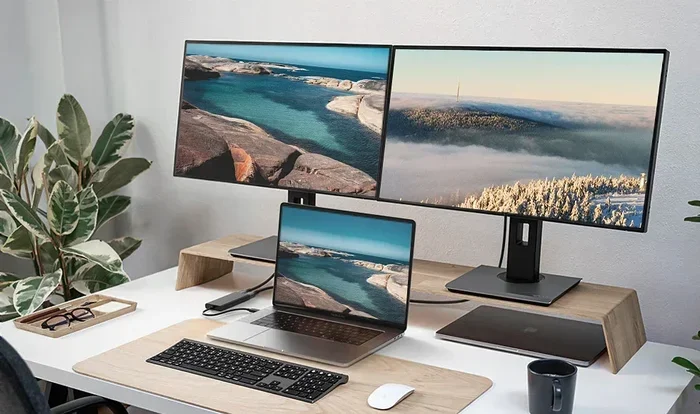
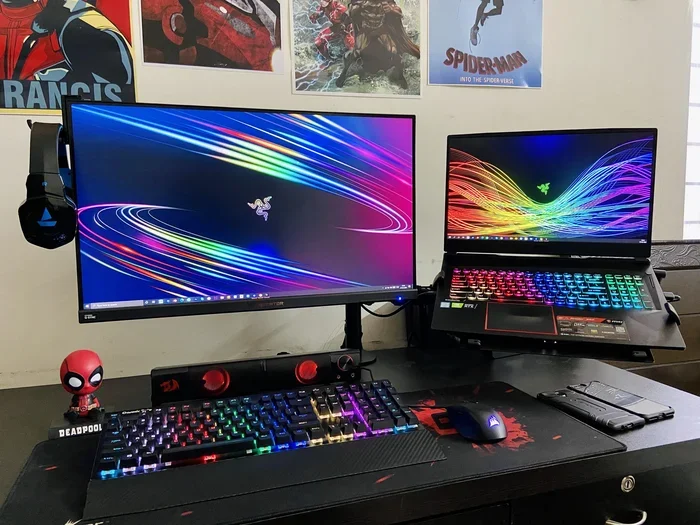
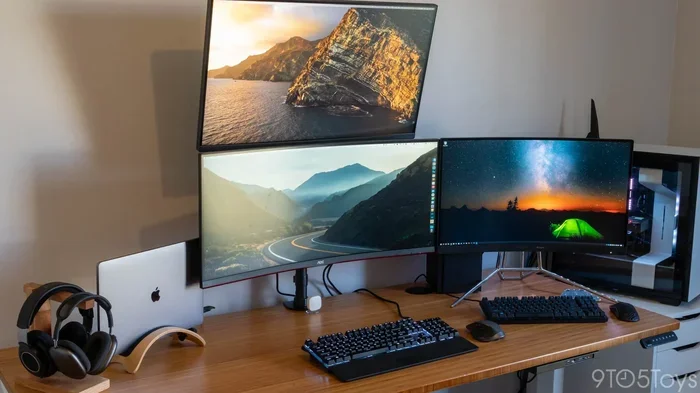
A good mac gaming setup goes beyond just the laptop. Consider these accessories to enhance your experience:
- An external monitor: A 144Hz display can make a huge difference in how smooth games feel.
- A gaming mouse: Precision matters in many games. A quality mouse improves your gameplay significantly.
- Headphones: Good audio helps you hear enemies and immerse yourself in the game world.
- A cooling pad: Even for the MacBook Pro, extra cooling never hurts during long sessions.
These accessories are not strictly necessary, but they can make a meaningful difference in your gaming experience on a MacBook.
Common Mistakes People Make When Gaming on a MacBook
There are several pitfalls that MacBook users fall into when they start gaming. Avoiding these mistakes will save you frustration and help you get the most out of your machine.
Expecting Windows-Level Performance
This is the number one mistake. A MacBook, no matter how powerful, is not a Windows gaming PC. The architecture is different. The game library is smaller. And macOS is not optimized for gaming the way Windows is. If you go in with realistic expectations, you will be much happier with your experience.
Ignoring Thermal Throttling
MacBooks are thin machines. They generate heat, and they have limited space to dissipate it. If you run a demanding game for an hour without monitoring temperatures, you will likely experience throttling. Your frame rates will drop, and your gameplay will suffer. Always keep an eye on heat levels.
Buying Games Without Checking Compatibility
Not every game on Steam works on macOS. Before you buy, check the Steam store page for Mac compatibility. Some games list “Mac” as a platform; others do not. Wasting money on an incompatible game is frustrating and avoidable.
Neglecting Battery Health
Gaming drains your battery fast. Constantly draining your battery to zero and recharging can degrade battery health over time. Try to keep your battery between 20% and 80% when possible. This extends the overall lifespan of your MacBook.
Is a MacBook Really Worth It for Gaming?
Now for the big question. Is a MacBook for gaming really worth it? The honest answer is: it depends.
If you are a casual gamer who plays indie games, strategy games, and titles that run natively on macOS, a MacBook is a fantastic choice. You get a beautiful display, a great keyboard, excellent build quality, and solid gaming performance all in one portable package.
If you are a hardcore gamer who wants to play every new AAA release at maximum settings with high frame rates, a MacBook will leave you wanting. The game library is still limited, and even the best MacBook cannot match a dedicated Windows gaming PC or laptop.
But there is a middle ground. If you already need a powerful laptop for work or creative tasks, adding gaming capability to that machine makes a lot of sense. A MacBook Pro M3 Max is an incredible machine for video editing, music production, and gaming. You get excellent value out of a single device.
Game streaming is also changing the equation. Services like GeForce NOW, Xbox Cloud Gaming, and Amazon Luna let you play thousands of games on any device with a good internet connection. This means even a base MacBook Air can access a massive game library without needing powerful local hardware.
Bottom line: a MacBook is worth it for gaming if you understand its strengths and limitations. It is not the best gaming machine on the market. But for many users, it is a great all-around device that handles gaming surprisingly well.
The Future of Mac Gaming
The future looks bright for mac os gaming. Apple continues to invest in its chip technology, and each new generation of Apple Silicon brings better gaming performance. Game developers are also starting to pay more attention to macOS.
Apple’s Game Porting Toolkit has made it easier for developers to bring Windows games to Mac. This could lead to a significant expansion of the mac game library in the coming years. If this trend continues, MacBooks could become a much more viable option for a wider range of gamers.
For now, the best approach is to enjoy what macOS offers today while keeping an eye on what is coming next. The gap between Mac and Windows gaming is narrowing, even if it has not disappeared yet.
Conclusion
So, can I use MacBook for gaming? Absolutely yes. But the experience is different from what you get on a Windows machine. A MacBook for gaming works well for casual and mid-level gaming. It handles popular titles, indie games, and strategy games with ease. For demanding AAA titles, you will need to manage expectations and use workarounds.
The key is knowing what you want from your machine. If gaming is your primary focus, a Windows laptop might serve you better. But if you want a versatile device that handles work, creativity, and gaming in one package, a MacBook is hard to beat.
With the right expectations, some smart workarounds, and a MacBook Pro M3 or newer, you can enjoy a satisfying gaming experience on macOS. The world of mac gaming is growing, and now is a great time to be a Mac gamer.
Start with the games you love, check for Mac compatibility, and explore the workarounds we discussed. You might be surprised at how much you can enjoy gaming on Mac with your current machine or a new one.
Frequently Asked Questions
Can I play Steam games on a MacBook?
Yes, many Steam games are available on macOS. Steam has a dedicated Mac client, and the library of Mac-compatible games is growing. However, not all Steam games support macOS, so always check the game’s system requirements before purchasing.
Is MacBook Pro M3 good for gaming?
The MacBook Pro M3 is a solid choice for casual to mid-level gaming. It handles many popular titles well at medium to high settings. For the most demanding AAA games, the M3 Pro or M3 Max variants offer significantly better gaming performance.
Can I run Windows games on a MacBook?
Yes, you can run Windows games on a MacBook using tools like CrossOver, Parallels Desktop, or through game streaming services. Each method has its own setup requirements and performance trade-offs. Cloud gaming is the easiest option for accessing Windows-only titles.
Does gaming drain MacBook battery fast?
Yes, gaming is one of the most battery-intensive activities on a MacBook. You can expect 1.5 to 3 hours of battery life during gaming sessions depending on the model and game. Always game while plugged in for the best experience.
Is a MacBook Air good for gaming?
A MacBook Air can handle casual and indie games well. However, its fanless design means it will thermal throttle during longer or more demanding gaming sessions. For serious gaming, the MacBook Pro with active cooling is a better choice.
What is the best MacBook for gaming in 2024?
The MacBook Pro M3 Max is currently the best MacBook for gaming. It offers the highest gpu performance, the most GPU cores, and the best sustained performance. For a more budget-friendly option, the MacBook Pro M3 provides excellent gaming performance at a lower price point.